

Talking Head & UGC Videos
Transform any script into a talking head UGC clip in one command. agent-media selfie builds a portrait, a multi-pose character sheet, and a storyboard, then Seedance 2.0 animates the scene with native audio. Captions are burned in by default, and saved characters keep the same person consistent across every clip in a series.
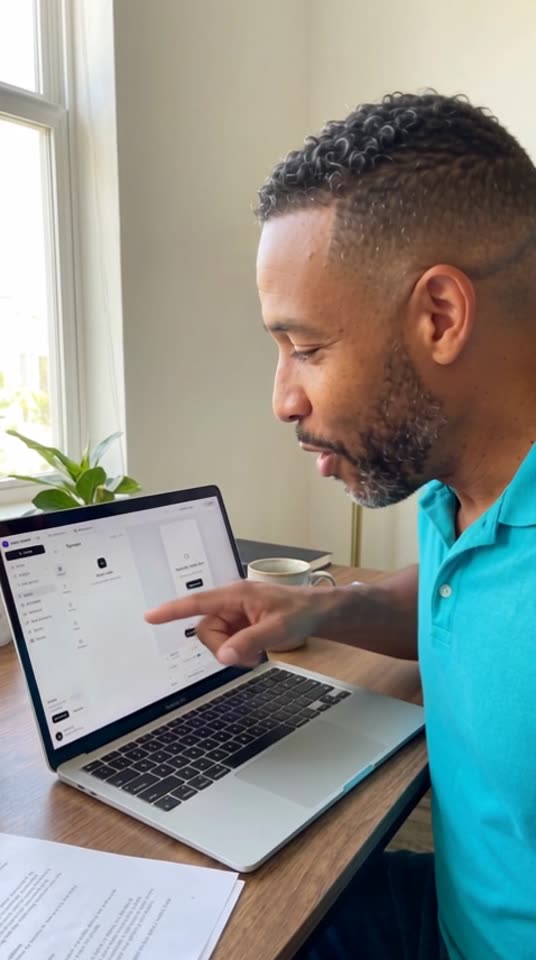 AI-generated
Recommended setup
Selfie Clip
Generates a person on-model from a text description or a reference photo, then animates them delivering your script with native audio and burned in captions, no actor and no filming required.
185-465 per video
agent-media selfie --description "founder in their 30s, energetic, home office" --script "Ever wonder why top founders wake up at 5am?" --syncThe workflow
- 01
Generate from script
Describe the actor and provide your script. agent-media selfie builds a portrait, character sheet, and storyboard, then Seedance 2.0 animates the clip with native audio, with Hormozi-style captions burned in by default.
agent-media selfie --description "founder in their 30s, energetic, home office" --script "Ever wonder why top founders wake up at 5am?" --duration 10 - 02
Use a reference photo for exact likeness
Pass --photo alongside --description to keep the exact likeness of a real person instead of generating one purely from text.
agent-media selfie --photo ./photo.png --description "same person, casual home office setting" --script "script..." --duration 10 - 03
Customize the scene and vibe
Pin the composition with --shot-preset, set the energy with --vibe (excited, calm, sassy, serious, curious), and add background music with --background-music to match your brand.
agent-media selfie --description "script..." --script "script..." --shot-preset desk-wfh-quick-pitch --vibe excited --background-music "lo-fi jazz" - 04
Act out a scene without talking
Omit --script and use --scene-action for a non-speech clip. The actor performs the described action instead of talking to camera.
agent-media selfie --description "script..." --scene-action "unboxing a mystery package, excited reaction" --duration 10 - 05
Choose a different subtitle style
selfie burns Hormozi-style captions by default (pass --subtitles false to skip them). To use one of the other 16 styles, run agent-media subs on the hosted clip afterward.
agent-media subs --video https://example.com/clip.mp4 --style karaoke - 06
Create a reusable actor
Save a character once and reference it with --character char_XXXXXXXXXX in future selfie calls to keep the same face and pinned Seedance seed consistent across a whole series.
agent-media character create --name brand --description "founder in their 30s, energetic, home office" --voice-brief "warm, confident, fast-talking"
What it costs
Talking ads are 28 credits a second, plus 15 for captions. Selfie clips are 45 credits plus 28 a second. Plans start at $39 a month for 3,900 credits, and extra credits start at $50 for 5,000. Credits you buy never expire.
Related use cases
What do you sell?
First video free, no card