

AI actor ads for agencies
Agencies need repeatable creative production: consistent inputs, reviewable prompts, and multiple variants without hiding how the asset was made.
 AI-generated
AI actor ads for agencies made with agent-media
Real outputs from our own account.
AI-generated AI-generated
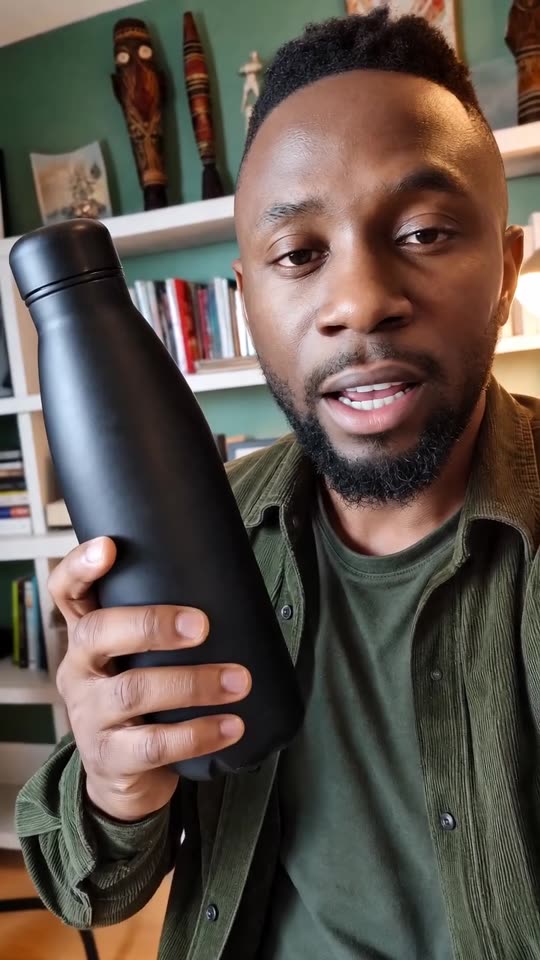 AI-generated
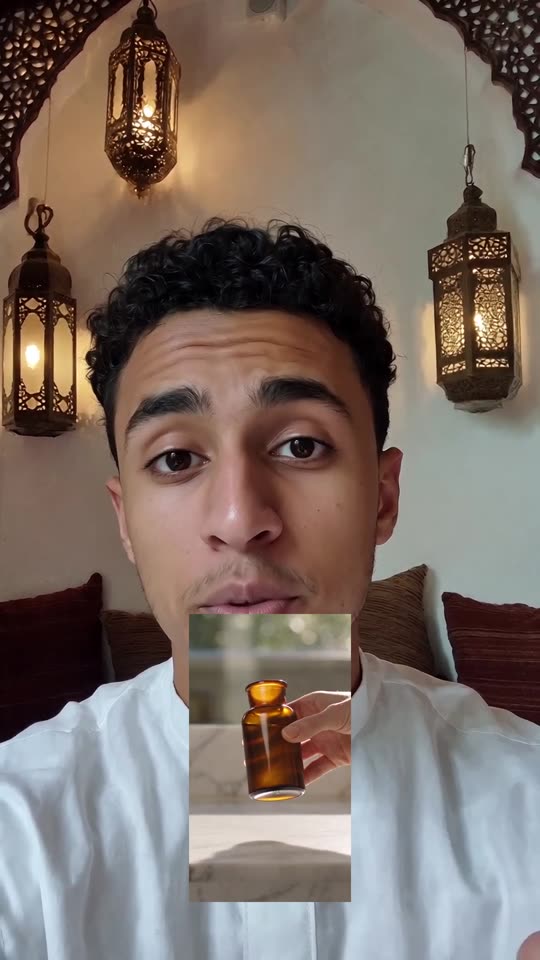 AI-generated
What it is
An AI actor ad uses a generated person to deliver a scripted marketing message, with the actor, product context, model, and output controlled by the workflow.
Separate client facts from creative assumptions.
Make one concept per ad so variants are easy to evaluate.
Use the API or MCP flow when the same production pattern repeats.
How to make it in agent-media
Use the same brief in Studio, from an AI agent, the API or the CLI.
Open the web app for quick one-off client variants.
Choose an actor, script, and product reference for each client concept.
Keep prompt, asset path, and client approval notes together for review.
Connect agent-media through MCP in Claude, ChatGPT, Cursor or Codex, or use the CLI or REST API from your own workflow.
Create a reusable brief template with product, audience, claim limits, actor direction, and output format.
Ask the agent to quote before generation and record the job ID with each client asset.
Use model pages to decide whether the ad needs a video model, image model, or standalone voice step.
Questions
Can an agency use agent-media from its own AI agent?
Can I make ads for different clients?
Can I choose the model?
What do you sell?
First video free, no card