

Product-in-hand ads for ecommerce
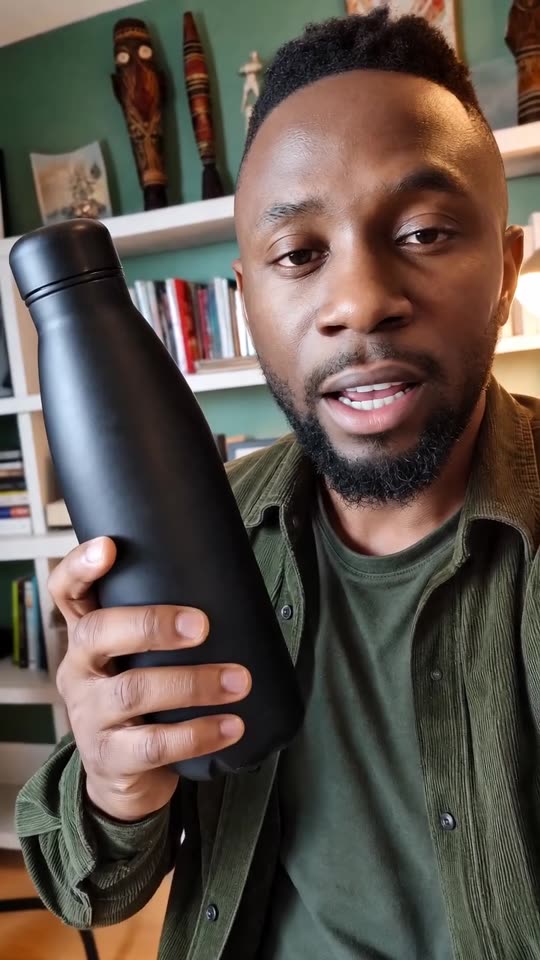
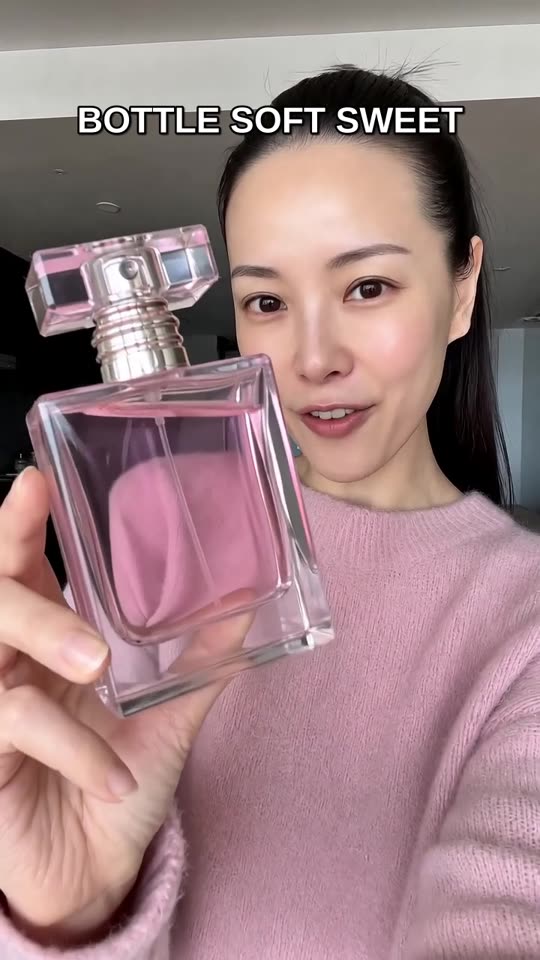
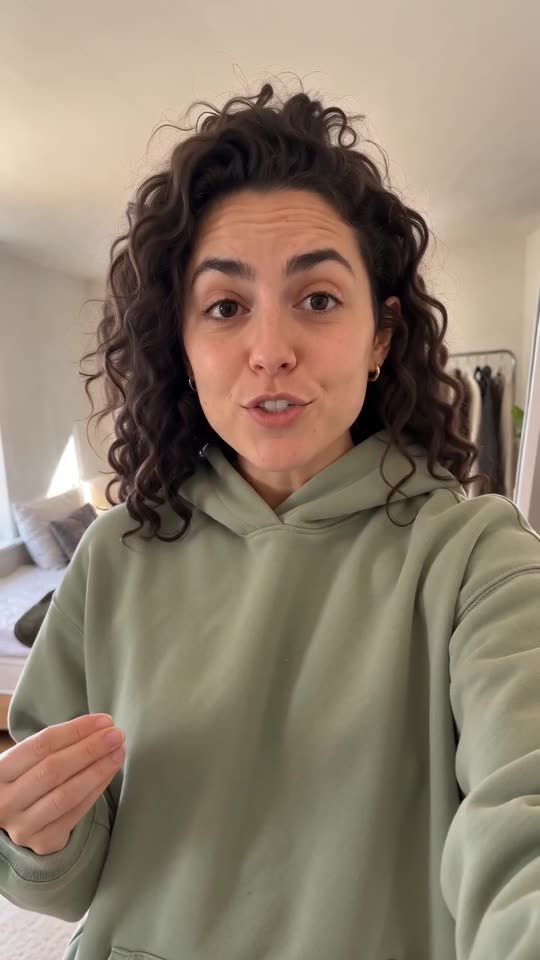
For physical products, the useful creative is the shot where a person shows what the product is, how it fits in a routine, and why it is worth noticing.
 AI-generated
Product-in-hand ads for ecommerce made with agent-media
Real outputs from our own account.
AI-generated AI-generated
 AI-generated
 AI-generated
What it is
A product-in-hand ad is a vertical UGC spot where the actor holds, uses, wears, or points to the product while speaking to camera.
Name the object in the prompt: bottle, tumbler, box, supplement tub, bag, or wearable.
Ask for a hand action that is plausible for the product.
Keep packaging claims factual and avoid medical or performance promises.
How to make it in agent-media
Use the same brief in Studio, from an AI agent, the API or the CLI.
Open the web app and add the product image.
Choose an actor, paste a short product script, and keep the visual request simple.
Generate a first version, then make variants by changing hook, setting, or offer angle.
Connect agent-media through MCP in Claude, ChatGPT, Cursor or Codex, or use the CLI or REST API from your own workflow.
Upload a product image through the agent-media upload panel when your client supports it.
Ask the agent to keep the product visible and write the exact spoken line in quotes.
Use refs for product and appearance references, or first_frame when you want to animate one specific still.
Questions
Can agent-media use my product photo?
Should I use make_ugc or generate_video?
Can I make many ecommerce variants?
What do you sell?
First video free, no card