

Podcast-style clips
Podcast-style clips make ads feel like a recommendation or expert aside, especially when the product fits a creator, coach, or founder context.
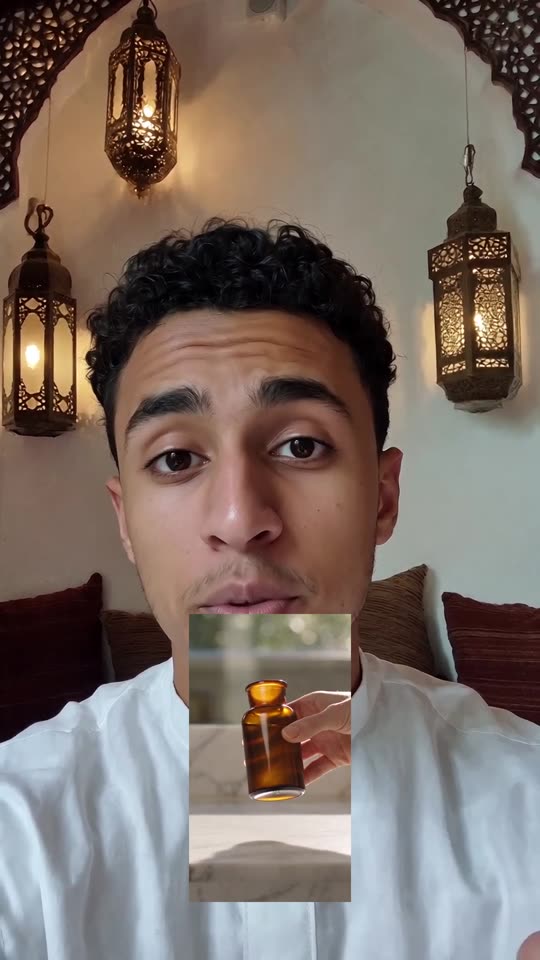 AI-generated
Podcast-style clips made with agent-media
Real outputs from our own account.
AI-generated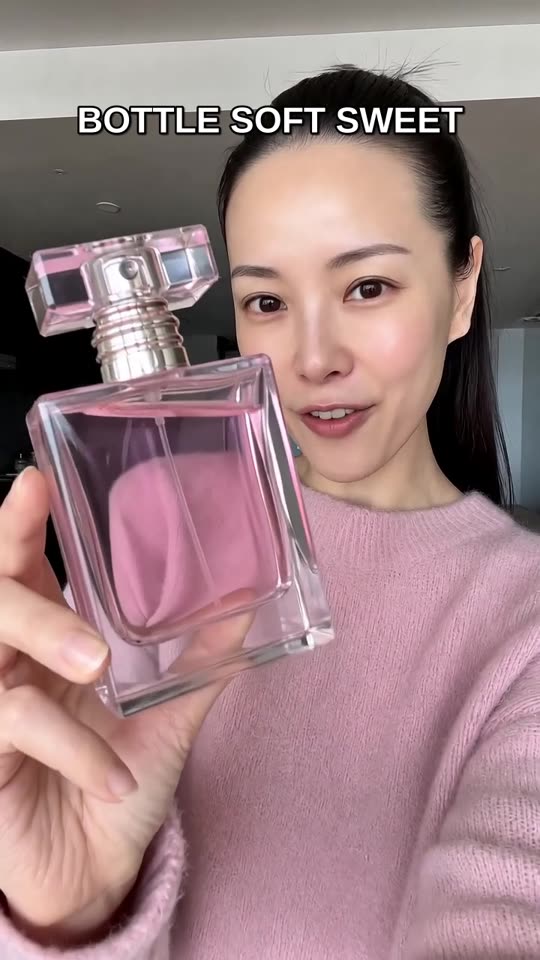 AI-generated
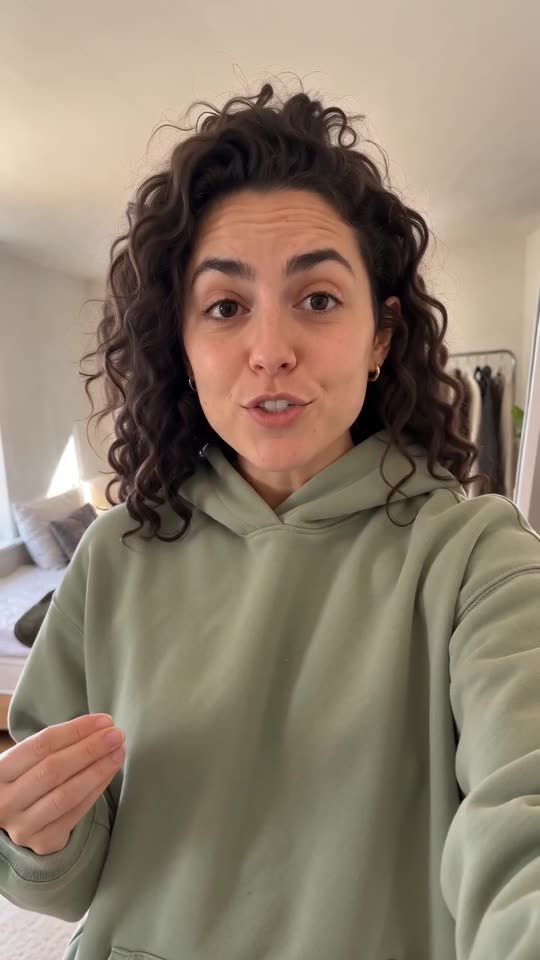 AI-generated
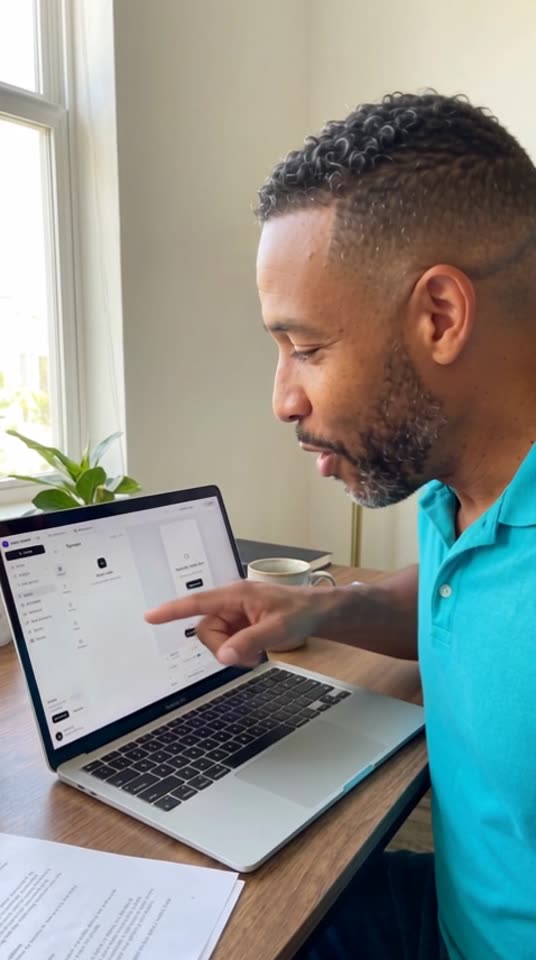 AI-generated
What it is
A podcast-style clip frames the actor as if they are speaking in a studio, interview, or creator setup, usually with a microphone, desk, or close camera angle.
Use one opinion or lesson per clip.
Reference the product naturally after the setup.
Keep the setting simple: mic, desk, soft room light, direct camera.
How to make it in agent-media
Use the same brief in Studio, from an AI agent, the API or the CLI.
Open the web app and choose a creator or founder-style actor.
Paste a script that sounds conversational.
Generate variants with different opening lines and the same core point.
Connect agent-media through MCP in Claude, ChatGPT, Cursor or Codex, or use the CLI or REST API from your own workflow.
Ask for a podcast desk, close microphone, or interview-frame setting.
Write the line as a spoken aside, not as a formal voiceover.
Use generate_audio only when you need a standalone voice file or narration over b-roll.
Questions
Can agent-media make podcast-style ads?
Do I need a separate audio model?
Are podcast-style clips only for B2B?
What do you sell?
First video free, no card